
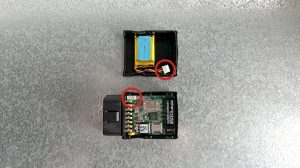
- Insert the battery plug into the connector. It should only be possible in one orientation.
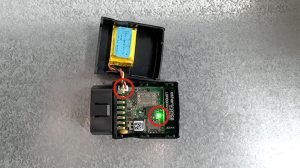
- The LED on the board will light up and flash if the battery has sufficient charge. Batteries are supplied fully.
Note: If the battery arrives uncharged, it will recharge itself once connected.
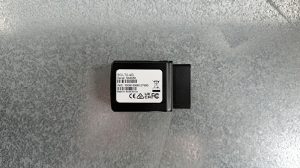
- Attach the upper half of the housing to the bottom securely.
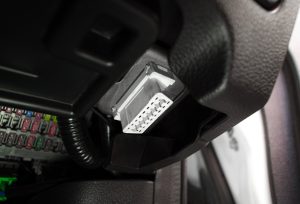
Connect to vehicle’s OBDII port. The Blue LED will flash once per second if it is getting powered.